Last updated: 2026-08-06

Fields of Mistria on PC assumes WASD movement with mouse cursor aiming for tools and menus. The layout matches modern farming sims: movement on the left hand, tool use on the mouse, interact on a nearby key. This page lists defaults, explains inventory shortcuts that the tutorial skips, and points to recommended rebinds for the two tool bindings that cause the most friction — especially Tool Use (Repeated), which ships unbound.
Movement and camera
W / A / S / D — walk in four directions. Hold Shift to sprint when stamina allows on the surface; sprint rules differ inside The Mines. Mouse — aim tool reticle for hoeing, watering, fishing cast direction, and combat swings. Scroll wheel or assigned keys rotate furniture in decorate mode when unlocked.
Camera zoom uses keyboard or mouse bindings listed in settings — verify after patches because 1.0 adjusted zoom limits for farm plot visibility.
Core tool actions
Left mouse button — primary tool use (single swing, cast, or strike). Right mouse button — charged tool use when bound; required for charged pickaxe breaks and some sword attacks. If charged actions feel unresponsive, open settings and confirm Tool Use (Charged) is not conflicting with Interact.
Tool Use (Repeated) — not bound by default. This is the largest quality-of-life gap on keyboard. Bind to Mouse 4, C, Left Alt, or another key you can hold while moving with WASD. Without it, you click hundreds of times per in-game day watering strawberries.
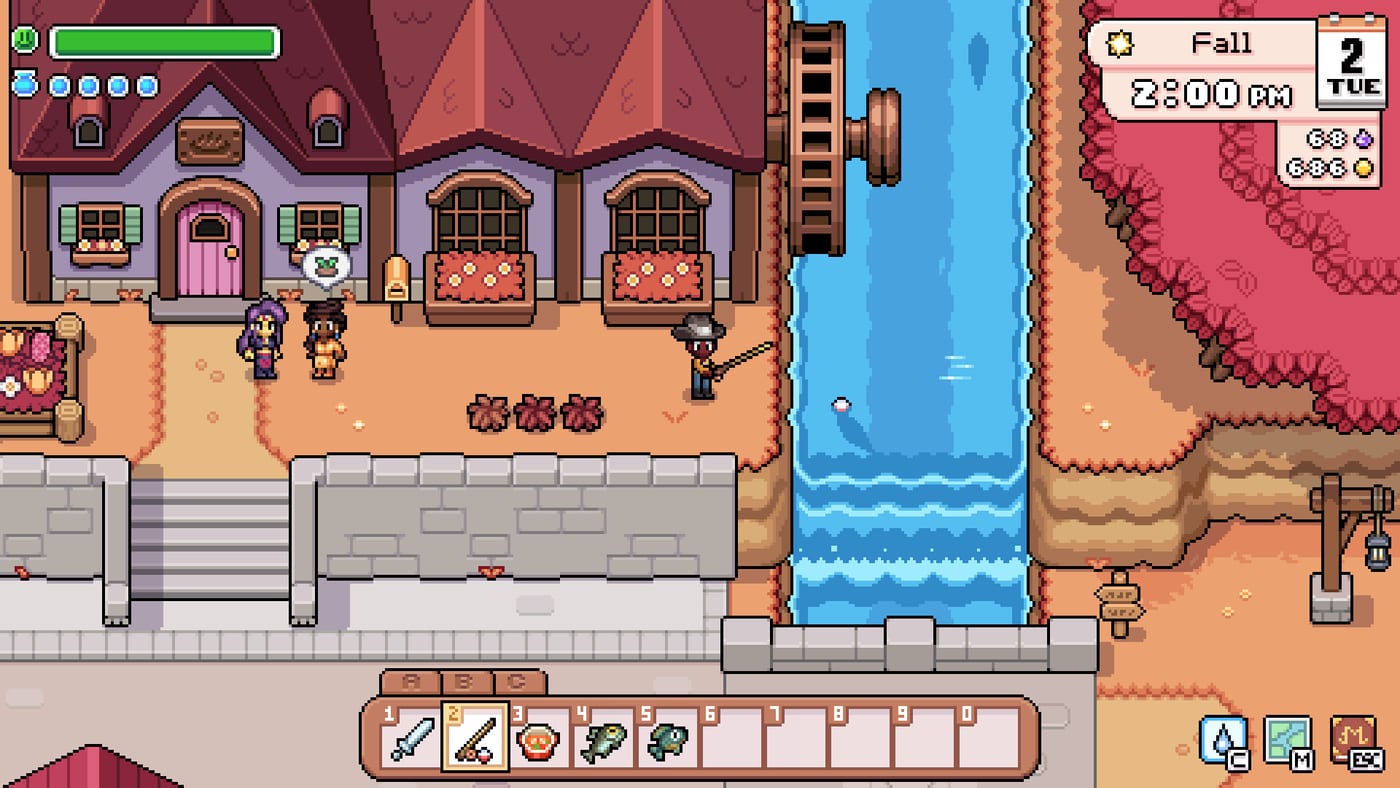
Tool wheel / hotbar — number keys 1–0 or mouse wheel selection depending on your settings preset. Match hotbar order to daily routine: hoe, watering can, seeds, pickaxe, weapon before mine trips.
Inventory shortcuts (PC only)
Shift + click — move entire stacks between open chest and bag. Essential for how to expand inventory workflows when you offload ore and wood for bridge repairs.
Ctrl + right-click — split stacks. Use when packing exactly ten items for request-board deliveries or cooking recipes.
G — throw held item. Discard low-value mine drops after confirming they are not quest items — tablet quests from how to unlock magic sometimes use ore-looking keys.
Fishing and archaeology inputs
Fishing uses click-hold-release timing on the catch bar; rebinding does not change minigame logic. Archaeology dig spots activate with shovel equipped and primary tool click on marked tiles. Shift-click loot into museum-bound bags after digs near town.
Combat in mines on keyboard
Dodge and block keys mirror action RPG defaults — check settings after first mine visit. Pair charged sword on right mouse with repeated lighter attacks on a keyboard key if you prefer not to spam click. Food buff icons appear top-left; eat before entering combat rooms on floor ten and above — see combat tips.
Steam Deck keyboard mode
Steam Deck Verified play usually uses controller profile, but keyboard mode works with attached Bluetooth keyboards for text entry in naming screens. For handheld-only players, switch to controller mappings instead of this page.
When to revisit bindings
Rebind after you unlock magic, ranch tools, or automation statues — extra actions appear on the tool wheel. If wrist pain appears during essence grinds for best early perks, move repeated tool use off the index finger. Cross-link controls hub for platform comparison and tips and tricks for daily routines that minimize unnecessary menu time.
Frequently asked questions
What key is Tool Use (Repeated) on keyboard?
It is unbound by default. Open settings and bind it to a key or mouse side button — most players use Mouse 4, C, or Left Alt.
How do I quickly move items to chests?
Shift-click transfers full stacks between your inventory and an open chest without dragging.
Which key throws items away?
G throws the currently held item. Confirm it is not quest-critical before discarding.
Does Fields of Mistria support mouse-only play?
Movement still requires keyboard or controller; mouse handles aiming and primary tool clicks.
Recheck the source date and in-game version before relying on a numeric requirement. This page was last updated Aug 6, 2026.